

Appearance
Release 13.10.2026
Published
This release brings together improvements to bank account verification, financial review, address handling, identity verification, case navigation and document checks.
Bank accounts and financial review
Source bank statements identified in BAV results
- The Get case checks endpoint now returns the ID of the bank statement used for a Bank Account Verification check in the
documentIdsfield. - This makes it easier to identify which bank statement each result is based on.
Clearer Money overview for case reviews
- The redesigned Money page brings account cards, cashflow, paid-in and paid-out breakdowns, and transactions into a single bank-statement-style view.
- Users can select a review period using date pickers, month shortcuts, or a timeline slider.
- Colour-coded categories and source-document names make transactions easier to review and trace.
Addresses and personal details
Improved address handling and configurable validation
- Full addresses can now be converted automatically into structured address fields for address-dependent checks.
- Address comparison can be configured independently for full and structured addresses, using either all available fields or only the house name or number and postcode.
- Common country-name variations and aliases are resolved to the appropriate country record.
- Customers can choose whether KYC and Financial Vulnerability checks may use automatically structured addresses.
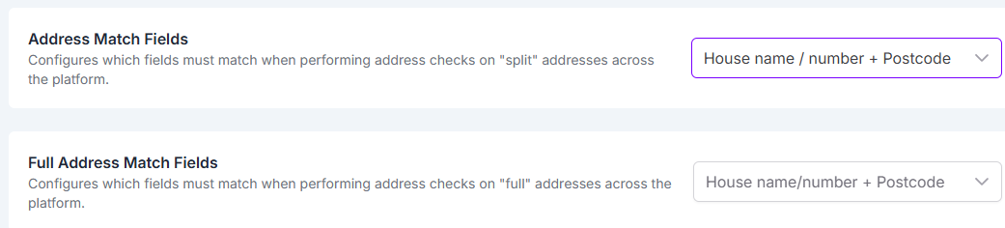
Address matching configuration
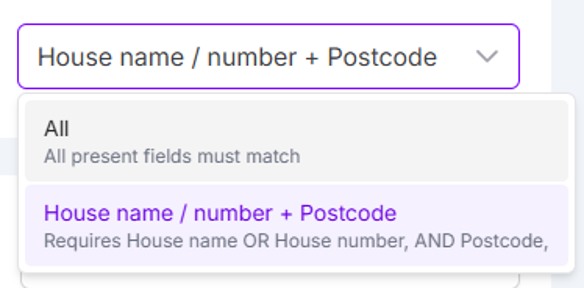
Available address matching options
Country based address search
- Users can select the relevant country before searching for a person's address, ensuring suggestions are based on that country rather than their device location.
- The selected country is retained across subsequent searches until the user changes it.
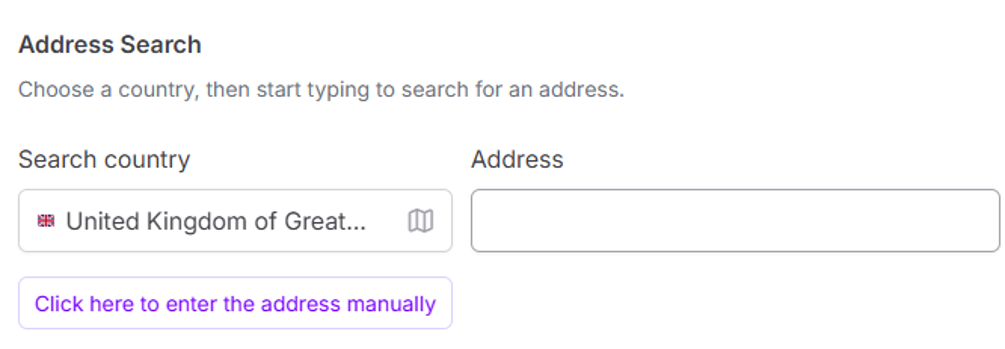
Country selection for address search
Flexible date of birth entry
- Dates of birth can now be entered as continuous digits or with slash separators.
- When digits are entered without separators, the field formats the date automatically while retaining the existing validation behaviour.
Identity verification
Resend active identity verification links
- Users can now resend the access link for an existing active ADV session without creating a new session, allowing the recipient to continue the same verification journey.
- The link is sent to the latest email address recorded on the case.
- This functionality is available through both the Portal and API. The API also supports retrieving the current session information.
- The API documentation is here for the API documentation.
Case review and navigation
Improved Case History experience
- Case History now provides a clearer, full-width chronological record of case activity.
- Users can filter multiple event categories, including document actions, extractions, checks, alerts, notes and queries.
- Clearer descriptions, consistent visual cues, improved pagination and complete filtered exports make relevant events easier to find and review.
Improved quick filters
- Saved quick filters are now available across browsers and work across clients, with values that are not relevant to the selected client ignored automatically.
- Users can update and delete saved filters, and duplicate filter names are prevented.
- Applied filters are displayed more clearly.
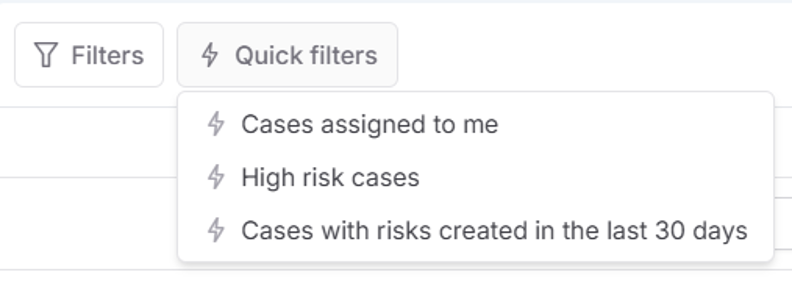
Saved quick filters
Document checks
Custom ordering for check results
- Users can choose how results are grouped and ordered in Content Validation, Tamper Lite and Document Comparison.
- Results can be grouped by outcome or ordered by risk level or alphabetically.
- The selected preference is retained for future use.
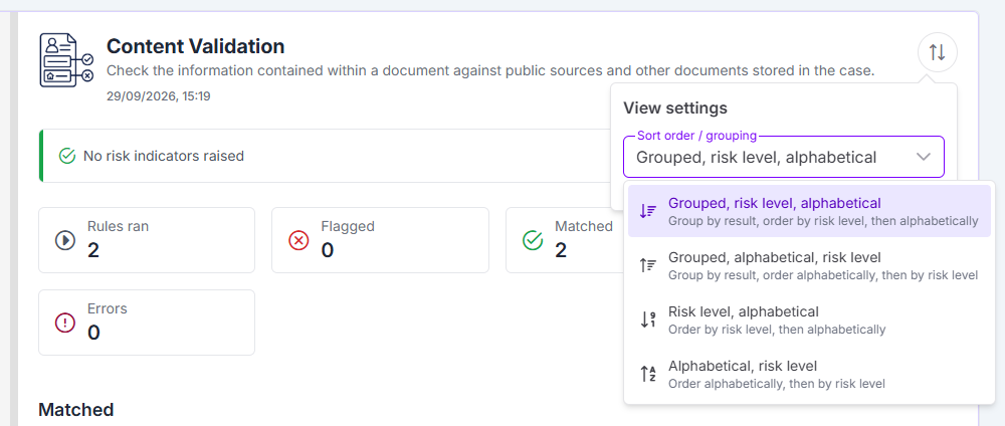
Check result ordering options